Downloads
Android • Phones • TV Boxes
Find the Perfect Plan for Your Needs
iPhone • iPad
iOS installation — simple and guided
1. Open the App Store and search for IPTV Smarters Player or GSE Smart IPTV.
2. Install and open the app. Choose Login with Xtreme Codes or Playlist (M3U) + EPG (the exact wording differs by app).
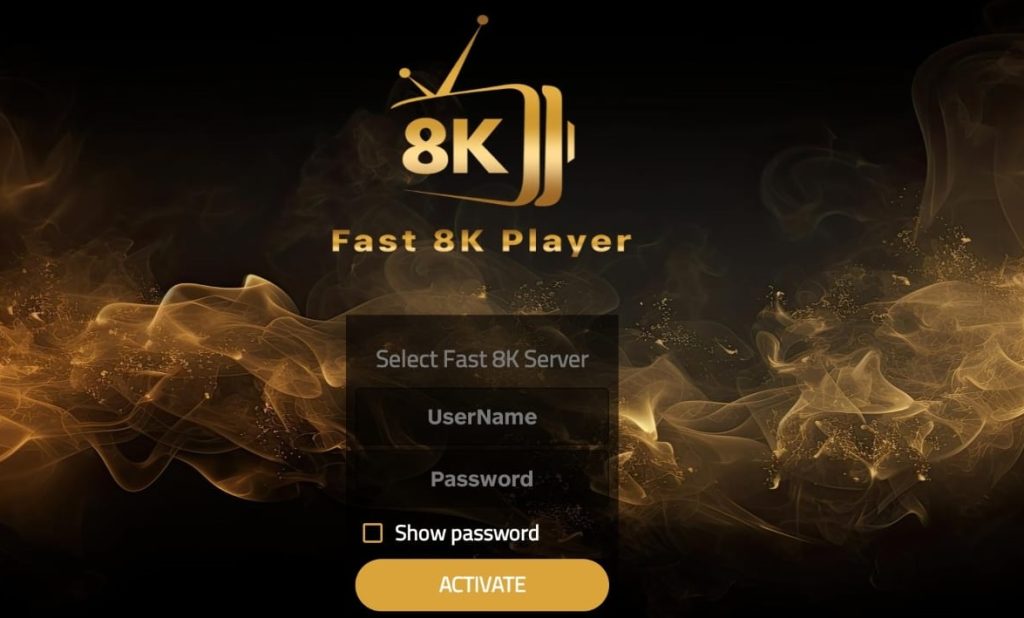
3. Enter the Strong 8K details we send you (portal URL / username / password) or paste the M3U link and optional EPG.
4. Allow notifications if you want programme reminders. You can also enable background audio under the app’s settings.
5. Add favourites for quick access, then enjoy your channels and VOD.
Quick links
Use the official store listings for a clean, safe install.
*AirPlay availability depends on the app and content type.
LG webOS • Samsung Tizen • Android TV
Smart TV setup — living-room friendly
Install from your TV store
1.Open the TV’s app store (LG Content Store / Samsung Apps / Google Play on Android TV).
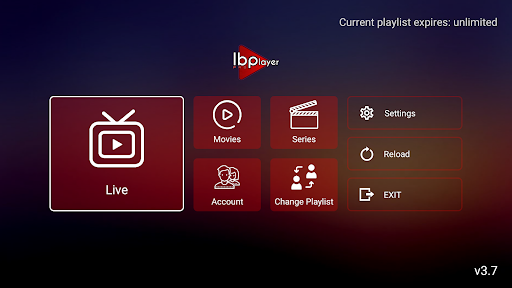
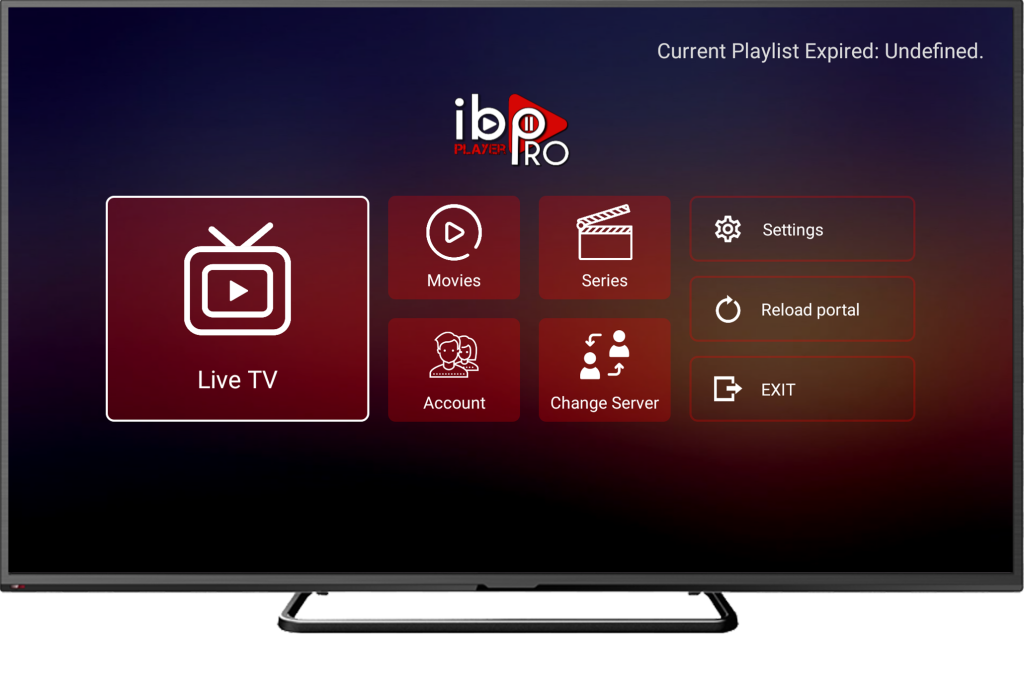
2. Search for IBO Player, OTT Navigator, or XCIPTV.
3. Install and open the app, then go to Activation / Login.
4. Enter the portal or playlist we send after activation (or scan a QR if the app shows one).
5. Restart the app to pull your channels and EPG.
Pro tips for smooth playback
- Prefer Ethernet or strong 5 GHz Wi-Fi, especially for sports.
- In player settings, test decoders (HW / HW+ / SW) and tweak buffer size.
- Turn off aggressive energy-saving that throttles network while streaming.
- Group channels and mark favourites for faster zapping.